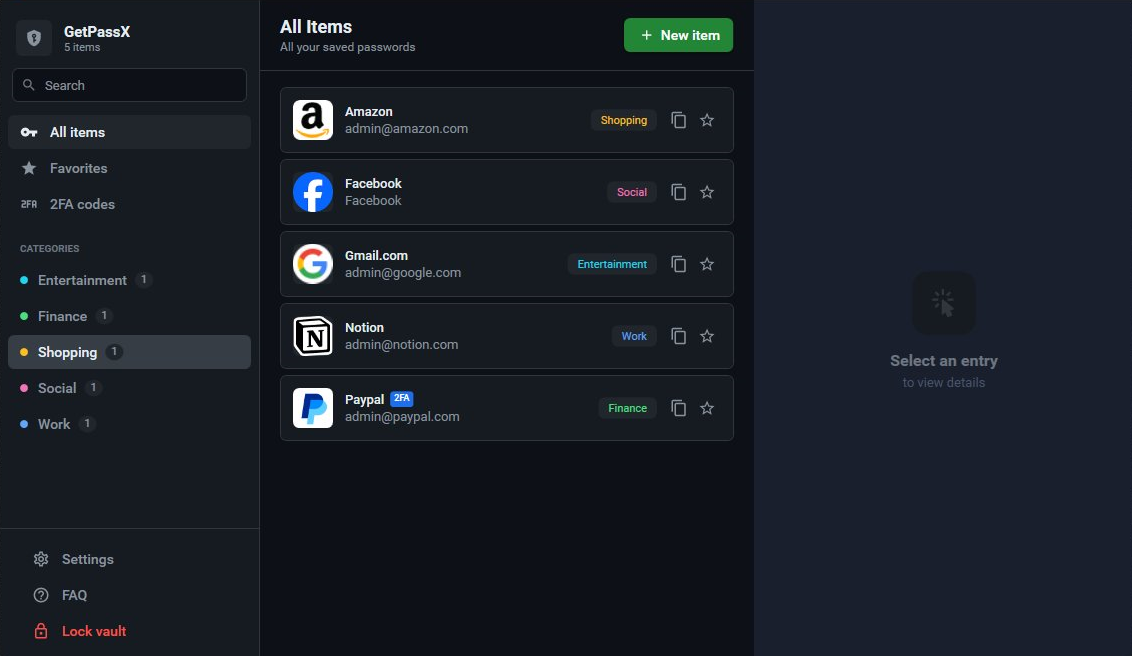
GetPassX is a free, secure password manager for Windows with military-grade AES-256-GCM encryption. Your passwords are stored locally and never leave your device.
Powerful features designed to keep your digital life organized and protected
Your passwords are protected with AES-256-GCM encryption, the same standard used by governments and militaries worldwide.
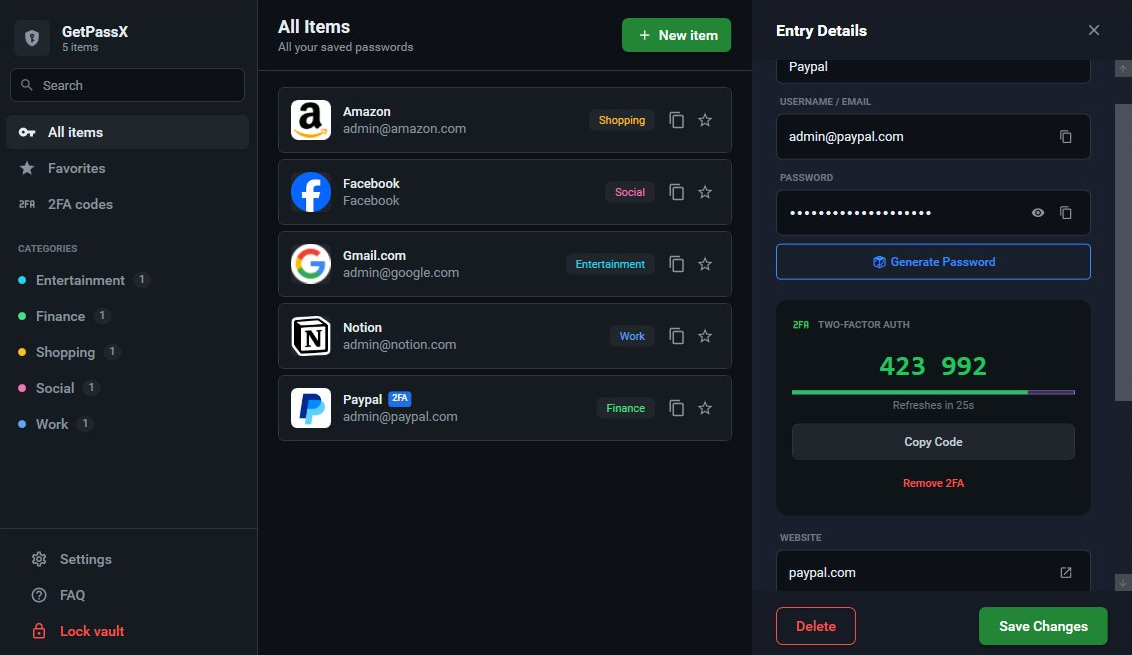
Built-in TOTP support for 2FA codes. Scan QR codes or enter secret keys manually. No separate authenticator app needed.
Generate strong, random passwords and passphrases with customizable length, symbols, and complexity settings.
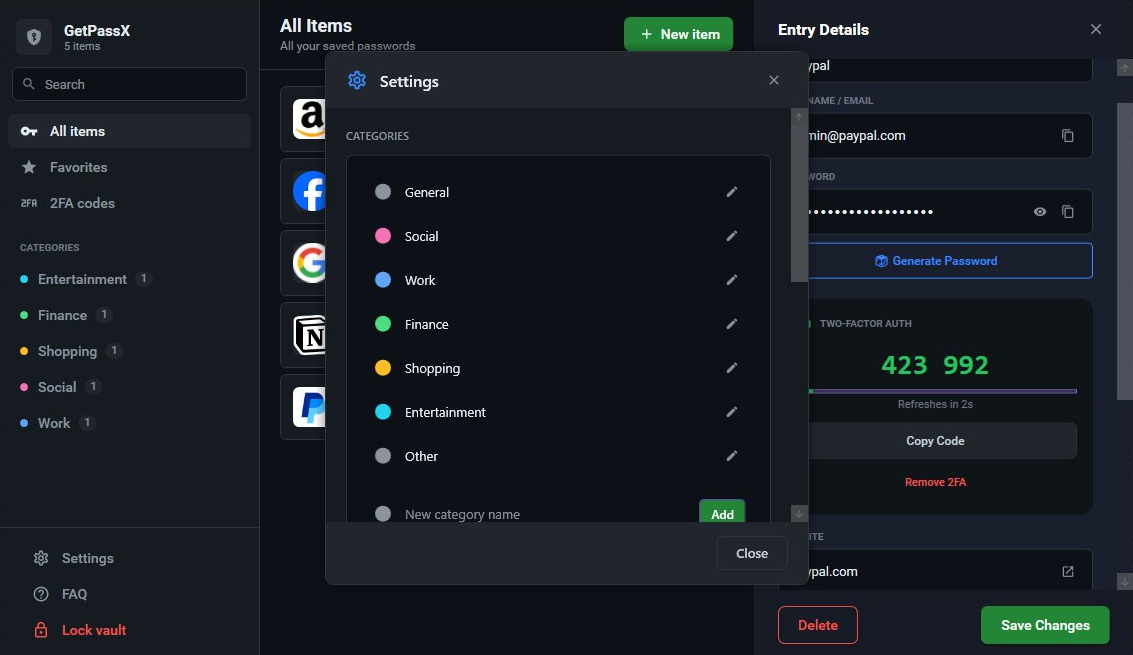
Organize your passwords with customizable categories and color-coded labels. Create your own or use defaults.
Website icons are automatically fetched and cached for easy visual identification of your accounts.
Get a 24-character recovery key when you create your vault. The only way to recover if you forget your master password.
Mark frequently used passwords as favorites for quick access. Star your most important accounts.
Account lockout after failed login attempts. Escalating timeouts from 1 minute to 1 hour protect against attacks.
Your data never leaves your computer. No cloud, no sync, no third parties. Full privacy and control.
GetPassX uses industry-leading cryptographic standards to ensure your data remains secure even if your vault file is compromised.
Authenticated encryption that protects both confidentiality and integrity
Winner of the Password Hashing Competition — resistant to GPU and ASIC attacks
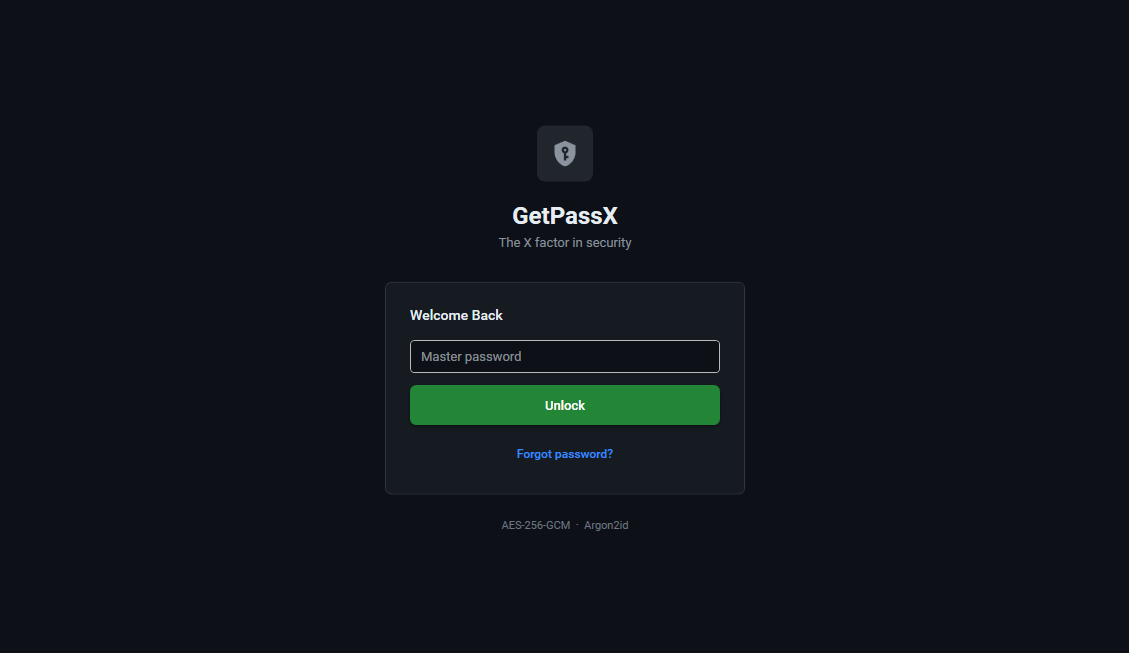
Your master password is never stored. Only you can decrypt your vault.
Dark theme designed for comfort. Clean UI that stays out of your way.
Free forever. No subscriptions, no ads, no data collection.
Everything you need to know about GetPassX
%USERPROFILE%\.pwmanager folder. Your passwords never leave your device — there's no cloud sync, no servers, and no third-party access.